CPM, CPA, and ROAS: The Metrics That Actually Matter (And How to Fix Them)
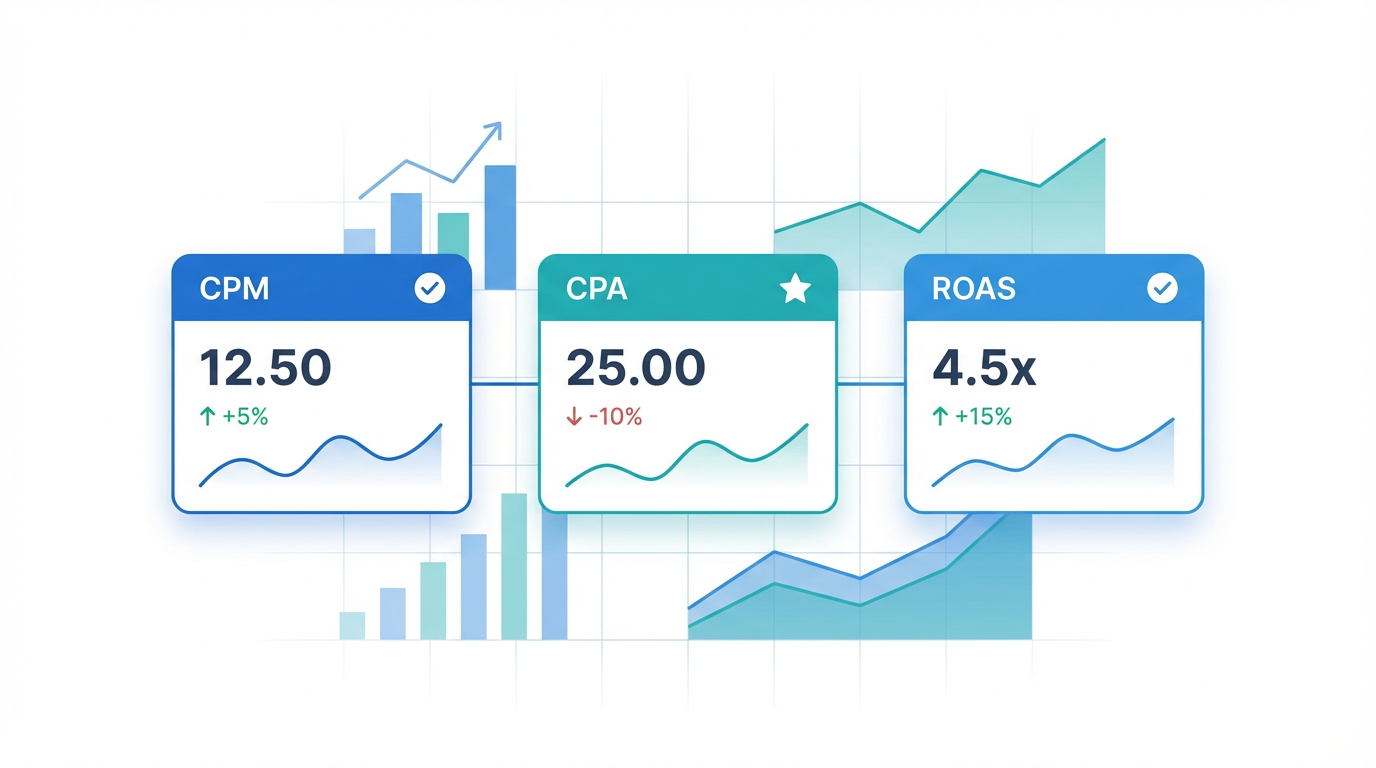
You're staring at your dashboard again. CPM is climbing. CPA looks decent. ROAS is... acceptable?
But something doesn't add up—and you can't quite put your finger on what's broken.
The problem isn't your instincts. It's that these three metrics don't exist in isolation, and most marketers treat them like they do. They optimize CPM without watching what happens to CPA. They celebrate a low CPA while ROAS quietly tanks. They chase ROAS targets without understanding that CPM is the lever that actually moves it.
Here's the reality: these metrics form a chain reaction. Touch one, and the others shift. Ignore that relationship, and you'll spend months optimizing yourself into worse performance.
Why These Three Metrics Control Everything
CPM (Cost Per Mille) measures how much you pay for 1,000 impressions. It's your entry cost—the price of showing up.
CPA (Cost Per Acquisition) tells you what you're paying for each conversion. It's your efficiency metric—the price of getting results.
ROAS (Return on Ad Spend) reveals whether those results actually matter. It's your profitability metric—the price of staying in business.
Most performance marketers understand each metric individually. Where they fail is understanding the cascade effect.
When CPM rises, you need more impressions to hit the same conversion volume. More impressions at higher cost means your CPA climbs—unless your conversion rate improves enough to offset it (it usually doesn't). Higher CPA with the same average order value crushes your ROAS. Suddenly you're unprofitable, and you're not sure which lever to pull first.
The reverse works too. Drive CPM down by targeting cheaper audiences, and you might tank your conversion rate so badly that CPA actually increases. Cheap impressions from unqualified traffic cost more per conversion than expensive impressions from the right people.
The ROAS Calculation Most Marketers Get Wrong
ROAS seems straightforward: revenue divided by ad spend. You spend $1,000, generate $5,000 in revenue, and you've got 5:1 ROAS.
Except you probably calculated it wrong.
First issue: Attribution windows. Are you measuring revenue from the day of the click, or including the full customer journey? A 1-day click attribution shows 3:1 ROAS. A 28-day click plus 7-day view attribution shows 4.2:1 ROAS on the same campaign. Which number are you optimizing toward?
Second issue: Return revenue. If 30% of your orders come back as refunds or chargebacks, your actual ROAS isn't 5:1—it's 3.5:1. But most dashboards don't subtract returns automatically.
Third issue: Blended vs. platform-specific ROAS. Your Meta campaigns show 4:1 ROAS in Ads Manager. Google shows 3.8:1. But when you add up total ad spend across all platforms and compare to total revenue, you're seeing 2.9:1 ROAS in analytics. That gap? Attribution overlap—the same sale being credited to multiple platforms.
Calculate ROAS correctly by using your source of truth (usually your analytics platform or internal data), including a realistic attribution window that matches your sales cycle, and subtracting known returns.
Try our ROAS Calculator to get accurate return on ad spend calculations.
Platform-Specific CPM Benchmarks That Actually Mean Something
CPM varies wildly by platform, placement, audience, and timing. But here's what matters: knowing when your CPM is high enough to investigate. For current benchmark data across all platforms and industries with filtering by your specific vertical, see our Advertising Benchmarks tool.
Meta (Facebook and Instagram): CPM varies significantly based on audience size, targeting specificity, and seasonal timing. Very high CPMs (relative to your historical baseline) often indicate frequency issues—you're showing the same people your ads too many times. Check frequency before assuming auction costs have risen.
Google Display Network: Generally offers lower CPMs than Meta, but extremely low CPMs (significantly below platform averages) often signal low-quality placements that won't convert. Highly specific targeting naturally drives CPM higher due to increased competition for limited inventory.
YouTube: Video ad CPMs vary by format (skippable vs. non-skippable) and placement. Non-skippable ads command premium pricing but may deliver better completion rates for important messaging.
LinkedIn: Commands the highest CPMs across major platforms, but cost-per-impression matters less than cost-per-qualified-lead for B2B campaigns. If you're selling enterprise solutions with five or six-figure deal sizes, higher CPMs are easily justified by lead quality.
TikTok: Generally offers lower CPMs than Meta, though costs have been rising as the platform matures and competition increases. Creative quality drives performance variance more dramatically on TikTok than other platforms.
The benchmark that matters most isn't the industry average—it's your historical CPM for the same audience and placement type. If your CPM suddenly jumps 40% week-over-week, investigate: auction competition increased, your relevance score dropped, or you're hitting frequency caps. When evaluating whether to switch platforms due to rising CPMs, use our Platform Comparison Tool to see how your current platform's costs stack up against alternatives.
Use our CPM Calculator to estimate impression volume within your budget.
The Cascade: How Fixing One Metric Breaks Another
You've decided to fix your CPM. It's too high, so you expand targeting to reach cheaper audiences. CPM drops 30%. Success!
Except now your CPA is climbing because those cheaper audiences convert at half the rate. Your ROAS drops from 4:1 to 2.8:1. You're suddenly unprofitable on a campaign that was working fine.
This happens constantly. Marketers optimize individual metrics without modeling downstream effects.
Try this instead: Calculate your breakeven CPA first. If your average order value is $100 and your margin is 40%, you've got $40 to spend on acquiring that customer. That's your ceiling—your maximum allowable CPA.
Now work backwards. At your current conversion rate of 2%, you need 50 clicks to get one conversion. Your CPA target is $40, so you can spend $0.80 per click. With a 1% CTR, you need 5,000 impressions to get 50 clicks. At $0.80 per click and 50 clicks, you're spending $40 on 5,000 impressions—that's an $8 CPM.
That's your CPM ceiling for this campaign to hit your CPA target at current conversion rates.
If CPM rises above $8, you have three options: improve conversion rate (hard), improve CTR (medium difficulty), or accept a higher CPA and lower ROAS (easy but dangerous).
Use our CPA Calculator to reverse-engineer campaign structure and find your breakeven points.
When to Use Each Calculator Tool
CPM calculators matter when you're planning campaigns and need to estimate impression volume within a budget. You've got $10,000 to spend and you're seeing $12 CPM in your target audience—that's roughly 833,000 impressions. Is that enough reach to test effectively?
CPA calculators help when you're reverse-engineering campaign structure. You know your breakeven CPA is $35, your conversion rate is 1.5%, and your average CTR is 0.8%. Work backwards: you need 67 clicks per conversion, which means you can spend $0.52 per click. At 0.8% CTR, that's a $6.50 CPM ceiling.
ROAS calculators become critical when you're scaling. You're currently spending $5,000/month at 4:1 ROAS. You want to double spend to $10,000/month. Will ROAS hold? The calculator helps you model scenarios: if ROAS drops to 3.5:1 at $10,000 spend, are you still profitable? What about 3:1? Where's the floor?
The Metrics Behind the Metrics
CPM, CPA, and ROAS are lag indicators. They tell you what already happened. To fix them, you need to understand the lead indicators that drive them.
For CPM: Relevance score (Meta), quality score (Google), and frequency drive CPM. If relevance drops, CPM rises. If frequency climbs above 3-4, you're exhausting your audience.
For CPA: Conversion rate and click-through rate determine CPA. Improve either one and CPA drops proportionally.
For ROAS: Average order value and CPA control ROAS. Increase AOV or decrease CPA, and ROAS improves.
The marketers who win aren't the ones who optimize each metric in isolation. They're the ones who understand how all three metrics interconnect and optimize the system, not the parts.
Related Tools: ROAS Calculator, CPA Calculator, CPM Calculator, Budget Allocator.