Google Ads Campaign Structure: From Keywords to Conversions
Your Google Ads account is a mess. You know it. I know it. And your ROAS proves it.
Most advertisers throw keywords into ad groups like laundry into a basket. Everything gets mixed together, nothing matches, and the result is wasted spend. With an average CPC of $2.69 on Google Search, every misplaced keyword costs real money.
Here's how to build a Google Ads structure that actually scales.
Why Structure Matters for Google Ads
Campaign structure is not an organizational preference. It directly controls three things that determine your profitability:
- Quality Score. Google rewards tightly themed ad groups with higher Quality Scores. Higher Quality Scores mean lower CPCs. A Quality Score of 10 can reduce your CPC by 50% compared to a score of 5.
- Budget control. Budgets are set at the campaign level. If your best-performing keywords share a campaign with your worst performers, money flows to the wrong places.
- Bidding precision. Smart Bidding works better with clean data. When an ad group mixes commercial and informational intent, the algorithm gets confused and overbids on low-value clicks.
A well-structured account doesn't just look better. It performs better. Advertisers who restructure messy accounts typically see 15-30% improvement in ROAS within the first 60 days. Track yours with our ROAS Calculator.
The Ideal Google Ads Account Hierarchy
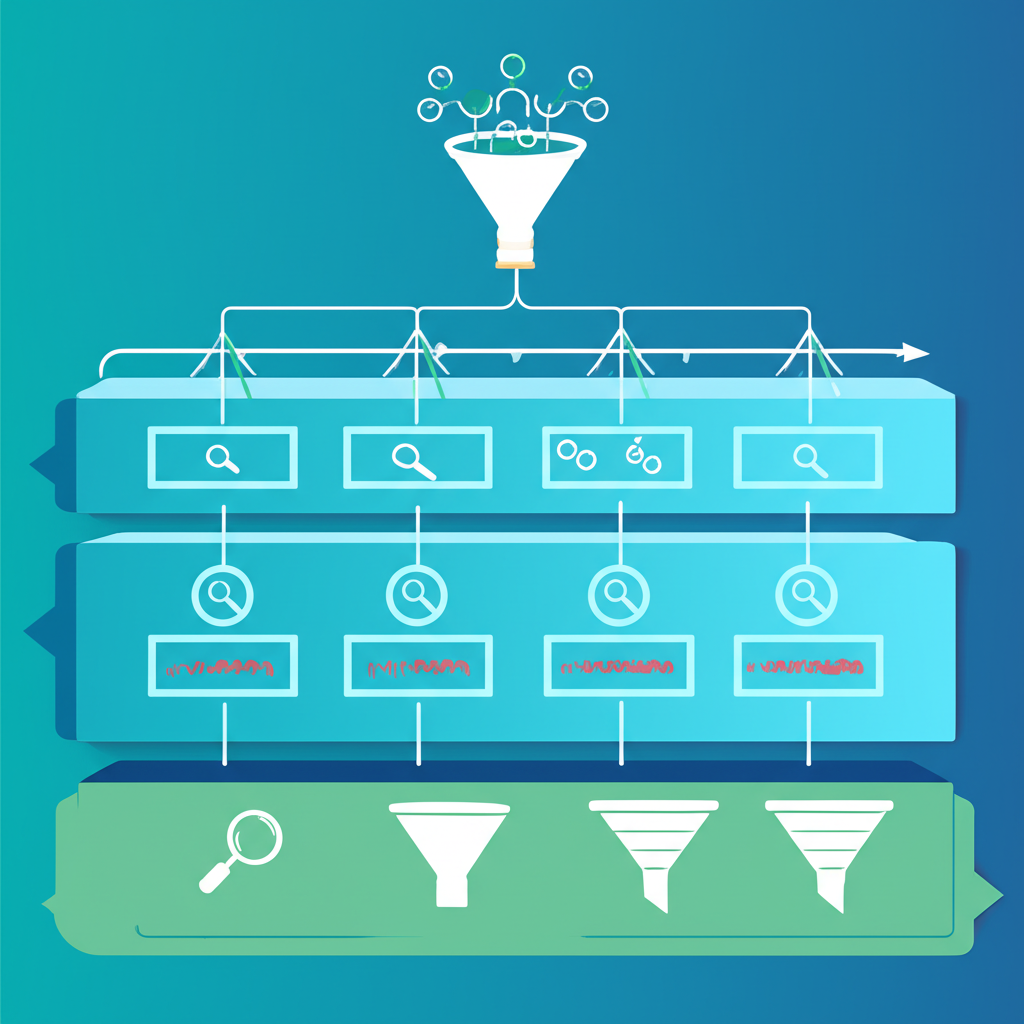
Think of it like a filing cabinet. Each level has a purpose:
| Level | Controls | Best Practice |
|---|---|---|
| Account | Billing, access, global settings | One account per business (usually) |
| Campaign | Budget, bidding strategy, network, location, schedule | Separate by goal, match type, or funnel stage |
| Ad Group | Keywords, ads, landing pages | 5-20 tightly themed keywords per group |
| Keywords | Search queries you bid on | Same intent within each ad group |
| Ads | Headlines, descriptions, extensions | 3+ responsive search ads per ad group |
The golden rule: every keyword in an ad group should be answerable by the same ad and the same landing page. If it can't, split it.
Search Campaign Structure That Scales
Search is where Google Ads earns its reputation. At $2.69 average CPC, it's more expensive than Meta's $0.97 CPC or Bing's $1.54 CPC. But Search captures intent that no other platform can match.
Structure your Search campaigns by intent tier:
Tier 1: Brand Campaigns
Bid on your own brand name. Yes, even if you rank organically. Competitors are bidding on your brand right now. Brand campaigns typically convert at 8-12% with CPCs under $1.00. They protect your highest-intent traffic.
Tier 2: High-Intent Commercial Campaigns
Keywords like "buy [product]," "[product] pricing," "[service] near me." These convert at 4-8% because the searcher is ready to act. Group these by product category or service line. Each ad group should map to one landing page.
Tier 3: Research/Comparison Campaigns
Keywords like "best [product] for [use case]," "[product A] vs [product B]." Lower conversion rates (2-4%) but these searchers become buyers. Use separate campaigns so you can set lower bids without starving your Tier 1 and 2 campaigns.
Tier 4: Informational/Top-of-Funnel
Keywords like "how to [solve problem]," "what is [topic]." Only run these if you have strong content and retargeting in place. Conversion rates are 0.5-2%, but they fill your remarketing audiences cheaply.
Use our Budget Allocator to distribute spend across these tiers based on your goals.
Display and YouTube Campaign Organization
Display and YouTube are different beasts than Search. They interrupt rather than respond. Structure them accordingly.
Google Display Network (GDN)
At an average CPM of $2.80, GDN is the cheapest awareness channel in the Google ecosystem. But cheap impressions mean nothing without structure:
- Prospecting campaigns: Target In-Market and Custom Intent audiences. Exclude all website visitors and converters.
- Retargeting campaigns: Segment by recency (1-7 days, 8-30 days, 31-90 days). Different creative for each window.
- Placement campaigns: Manually select high-performing sites after reviewing your automatic placement reports.
Always run Display in its own campaigns. Never use "Search with Display Select" -- it bleeds budget into low-quality Display placements without the control you need.
YouTube Campaigns
YouTube deserves its own campaign structure entirely. At $6.00 average CPM, it sits between GDN and Social platforms. See our YouTube Advertising Strategy Guide for the full breakdown, but for structure purposes:
- Separate Skippable In-Stream, Non-Skippable, and Discovery campaigns
- Separate prospecting from retargeting
- Group by audience type, not by creative
Keyword Match Types and Ad Group Architecture
Match types determine which searches trigger your ads. Getting this wrong is the fastest way to burn budget.
| Match Type | Symbol | When to Use | Risk Level |
|---|---|---|---|
| Exact Match | [keyword] | Proven converters, brand terms | Low (tight control) |
| Phrase Match | "keyword" | Core themes with some flexibility | Medium |
| Broad Match | keyword | Only with Smart Bidding and strong data | High (wide reach) |
The modern approach: Start with Exact and Phrase match. Let them collect conversion data for 2-4 weeks. Then add Broad match keywords in separate campaigns with Smart Bidding enabled. The algorithm needs conversion data to make Broad match work. Without it, you'll waste spend on irrelevant queries.
Negative keywords are non-negotiable. Review your Search Terms report weekly. Add irrelevant queries as negatives at the campaign or account level. Most accounts waste 20-30% of spend on irrelevant searches that proper negatives would block.
Bidding Strategy by Campaign Type
Don't use the same bidding strategy everywhere. Match it to the campaign's goal:
| Campaign Type | Best Bidding Strategy | When to Switch |
|---|---|---|
| Brand Search | Target Impression Share (90%+) | Always -- protect your brand |
| High-Intent Search | Target CPA or Target ROAS | After 30+ conversions in 30 days |
| Research Search | Maximize Conversions with CPA cap | After 15+ conversions in 30 days |
| Display Prospecting | Target CPA | After 50+ conversions in 30 days |
| Display Retargeting | Maximize Conversions | Immediately (audience is pre-qualified) |
| YouTube | Maximum CPV or Target CPA | CPV for awareness, CPA for conversions |
Start with Manual CPC if you have fewer than 15 conversions per month. Smart Bidding needs data to work. Feeding it bad data produces bad results. Use our CPA Calculator to set realistic targets before enabling automated bidding.
Budget Allocation Across Campaign Types
Here's where most advertisers get it wrong. They spread budget evenly. Don't.
Allocate based on intent and proven performance:
- Brand campaigns: 10-15% of budget. They're cheap and protect your highest-converting traffic.
- High-intent Search: 40-50% of budget. This is your money maker. Feed it first.
- Research/comparison Search: 15-20% of budget. These build your pipeline.
- Display retargeting: 10-15% of budget. High ROI because the audience already knows you.
- Display prospecting: 5-10% of budget. Keep this lean until you find winning audiences.
- YouTube: 5-15% of budget. Scale this as you prove creative performance.
The Budget Allocator can model these splits based on your total monthly spend. And use the Daily Budget Calculator to translate monthly targets into daily campaign budgets.
Measuring Performance: KPIs by Campaign Level
Don't measure every campaign by the same KPI. A brand campaign and a Display prospecting campaign have fundamentally different jobs.
| Campaign Type | Primary KPI | Target Benchmark | Secondary KPI |
|---|---|---|---|
| Brand Search | Impression Share | 90%+ | CPC (keep under $1.00) |
| High-Intent Search | ROAS / CPA | Industry CPA targets | Conversion Rate (4%+) |
| Research Search | Cost per lead / CPA | 2x your high-intent CPA | Assisted conversions |
| Display Retargeting | ROAS | 5:1 or higher | View-through conversions |
| Display Prospecting | CPM / New audience size | $2.80 avg CPM | Remarketing list growth |
Industry benchmarks matter here. E-commerce advertisers should target a CPA around $45.27. B2B companies typically see $116.13 CPA. Tech/SaaS lands around $95.00. Check the latest numbers for your industry on our Advertising Benchmarks page.
Common Structure Mistakes That Kill ROAS
After auditing hundreds of Google Ads accounts, these are the mistakes I see over and over:
Mistake 1: Too Many Keywords Per Ad Group
If your ad group has 50+ keywords, your ads can't possibly be relevant to all of them. Keep it to 5-20 tightly themed keywords. The ad should read like a direct answer to every keyword in the group.
Mistake 2: Mixing Match Types in the Same Campaign
Broad match keywords eat budget that should go to your proven Exact match terms. Separate match types into different campaigns so you can control budget flow. Give your Exact match campaigns priority.
Mistake 3: No Negative Keywords
You're paying $2.69 per click. If even 20% of those clicks are irrelevant, you're losing $0.54 on every dollar. Build negative keyword lists from day one. Review Search Terms reports weekly without exception.
Mistake 4: One Campaign for Everything
When all your keywords share one campaign, you can't control budget allocation. Your best keywords compete with your worst for the same daily budget. Split by intent, product line, or funnel stage.
Mistake 5: Ignoring Geographic Performance
Not all locations perform equally. A campaign targeting the entire US might see $30 CPA in Texas and $90 CPA in New York. Use location bid adjustments or separate campaigns for high-value regions.
Mistake 6: Launching Smart Bidding Too Early
Target CPA and Target ROAS need conversion data to work. Launching them on a new campaign with zero historical data is like giving a GPS directions with no starting point. Start Manual, collect data, then automate.
Put Your Structure to Work
A clean campaign structure is the foundation everything else builds on. Better structure leads to better Quality Scores, lower CPCs, and higher ROAS.
Start here:
- Audit your current account against the hierarchy above
- Separate campaigns by intent tier
- Tighten ad groups to 5-20 keywords with matching ads
- Set budgets based on the allocation framework
- Match bidding strategies to campaign goals
Then measure what matters. Google Search at $2.69 CPC is more expensive per click than Meta ($0.97) or Bing ($1.54), but it captures higher intent. When structured properly, that higher CPC delivers a lower CPA and stronger ROAS. Use our ROAS Calculator to prove it.
Tag every campaign with proper UTM parameters using our UTM Builder so you can track performance across your entire funnel. And compare Google's performance against other platforms with real benchmark data on our Platform Comparison Tool.
Related Guides: Platform Comparison Guide, Budget Optimization Guide, CPA vs ROAS Metric Guide, Audience Targeting Guide.